Text notes
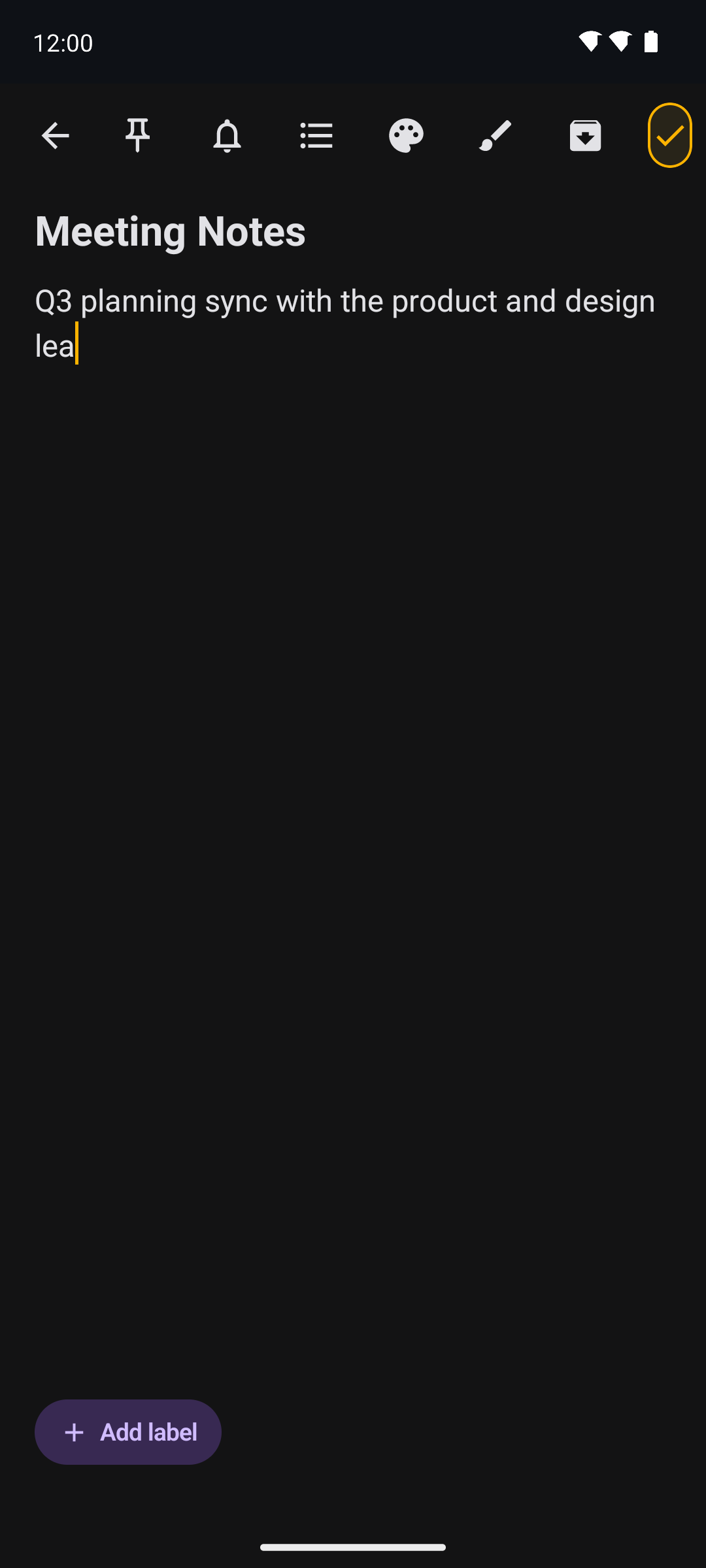
Titles and rich bodies, with per-note colours and pinning to keep the important things on top.
Free & open source · MIT licensed
Elite Memo Pro brings text notes, checklists and freehand sketches together in one fast,
local-first Android app. No account, no server, and no INTERNET permission.
INTERNET permission, so nothing can leave.Features
Text, checklists and freehand drawing in one place — with the organisation, reminders and security you expect, and none of the cloud.
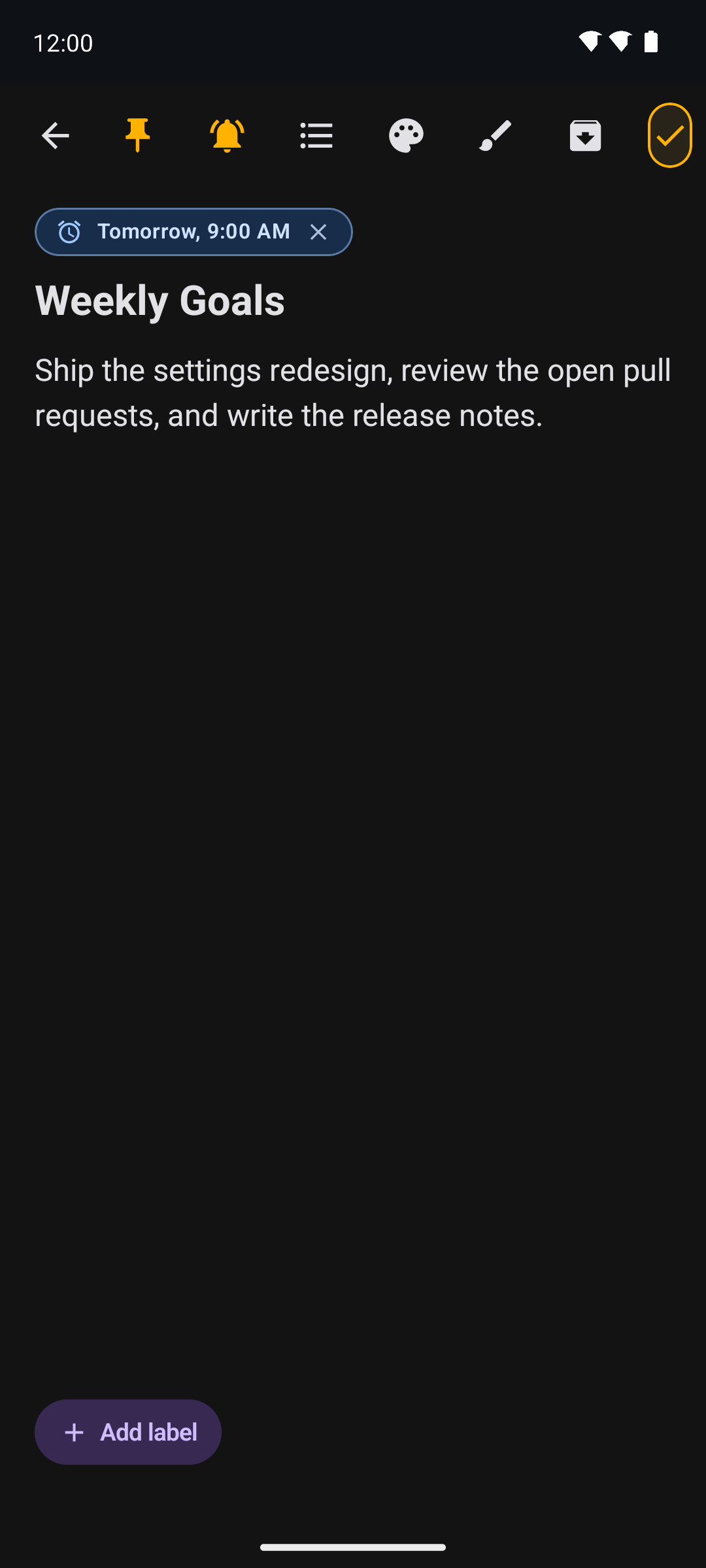
Titles and rich bodies, with per-note colours and pinning to keep the important things on top.
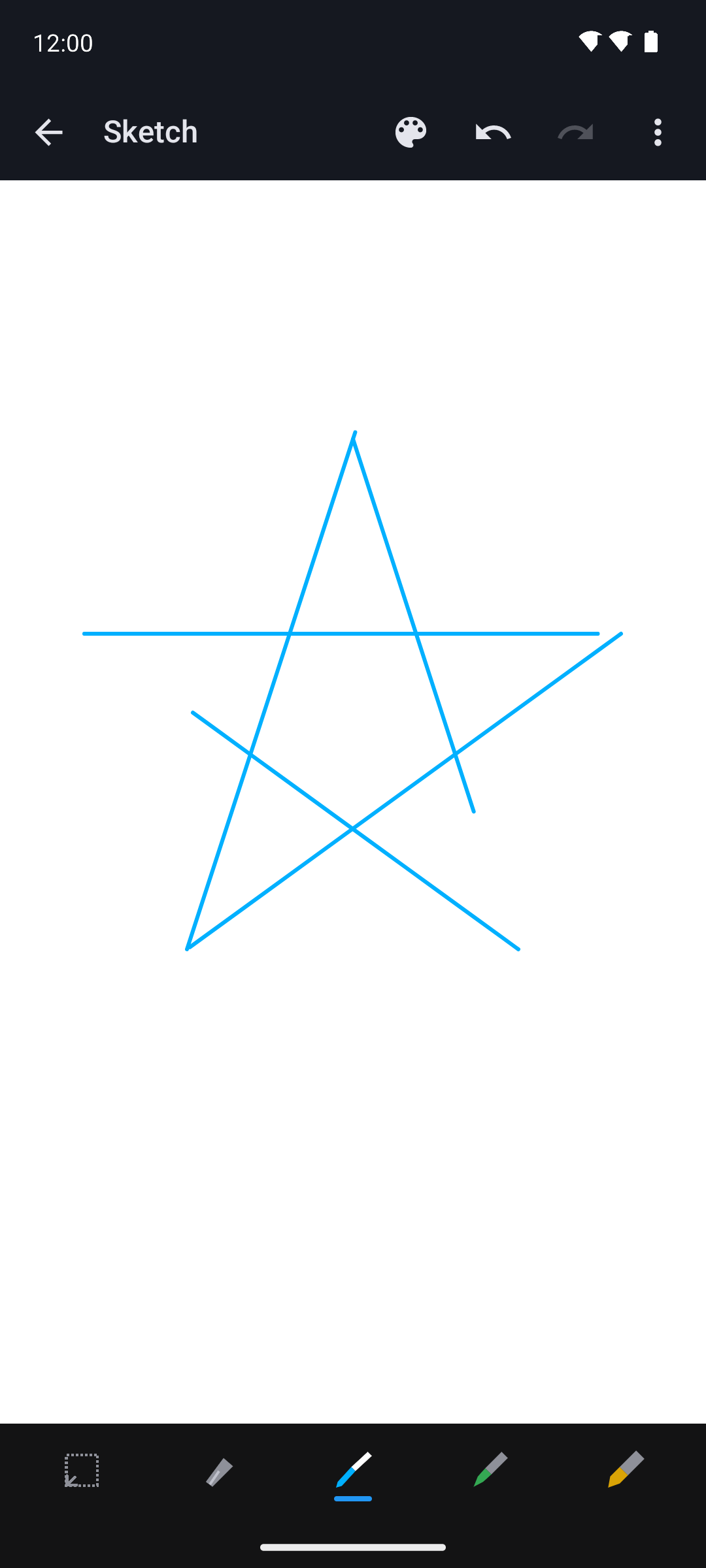
Sketch with pen, marker, highlighter, selection and eraser tools — undo, redo, and blank, ruled, grid or dotted canvases.
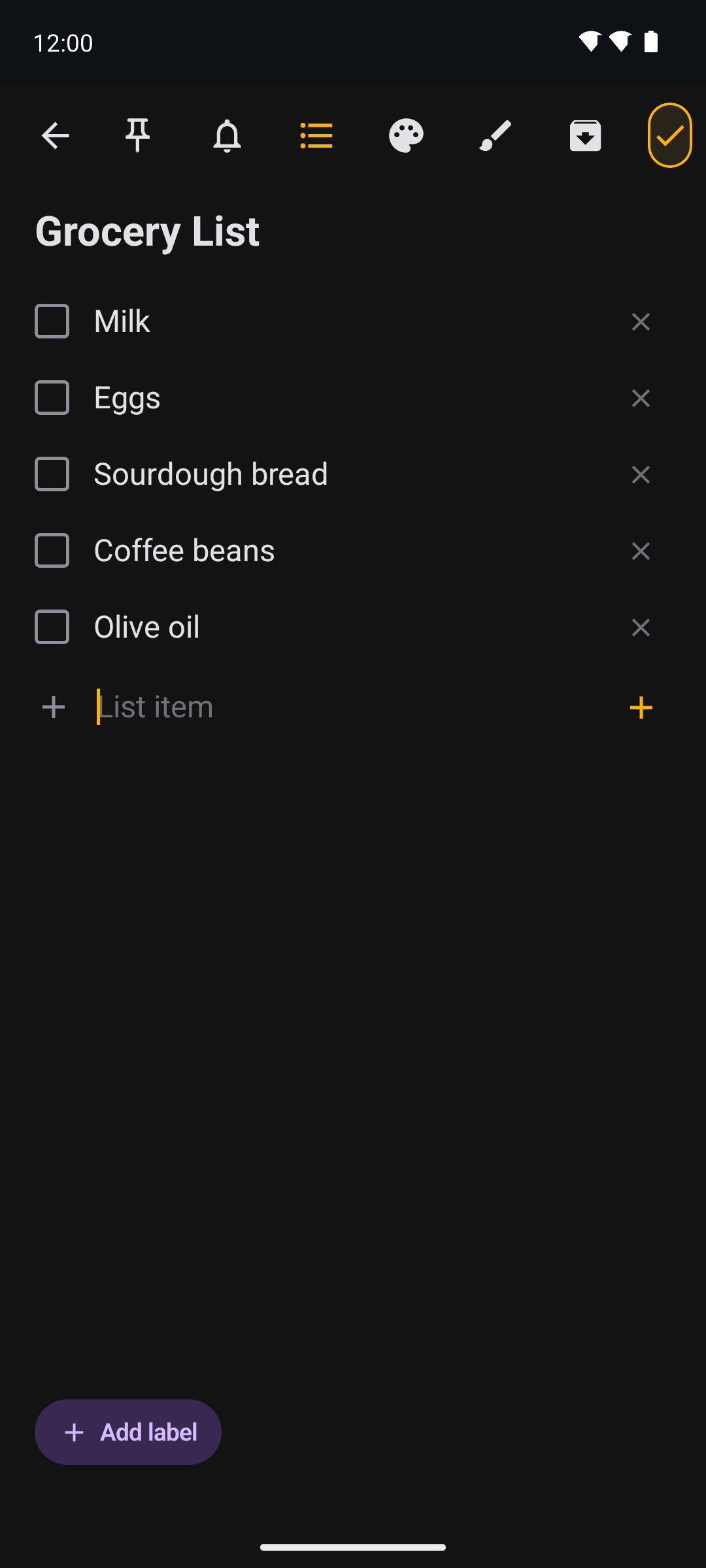
Turn any note into a checklist with per-item completion, and tick items off without even opening the app.
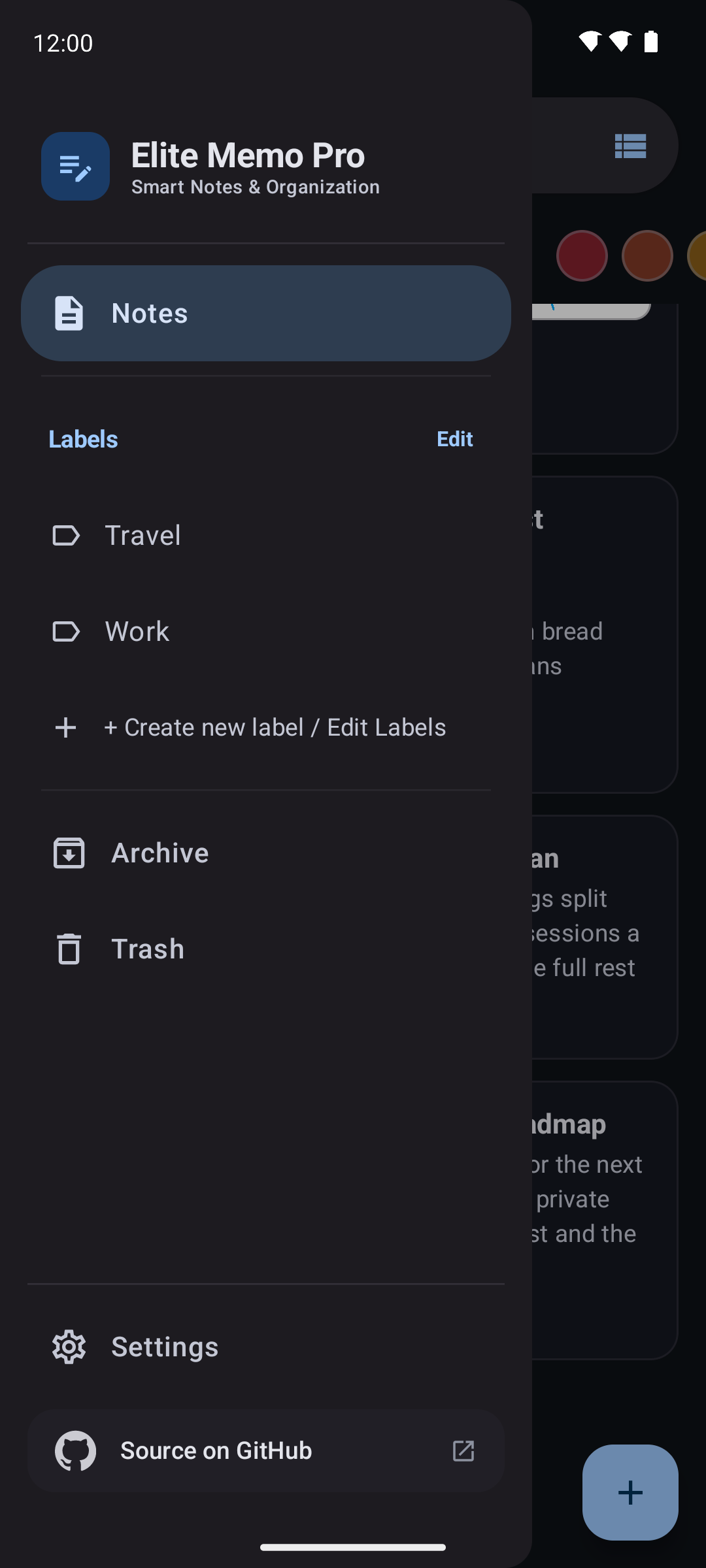
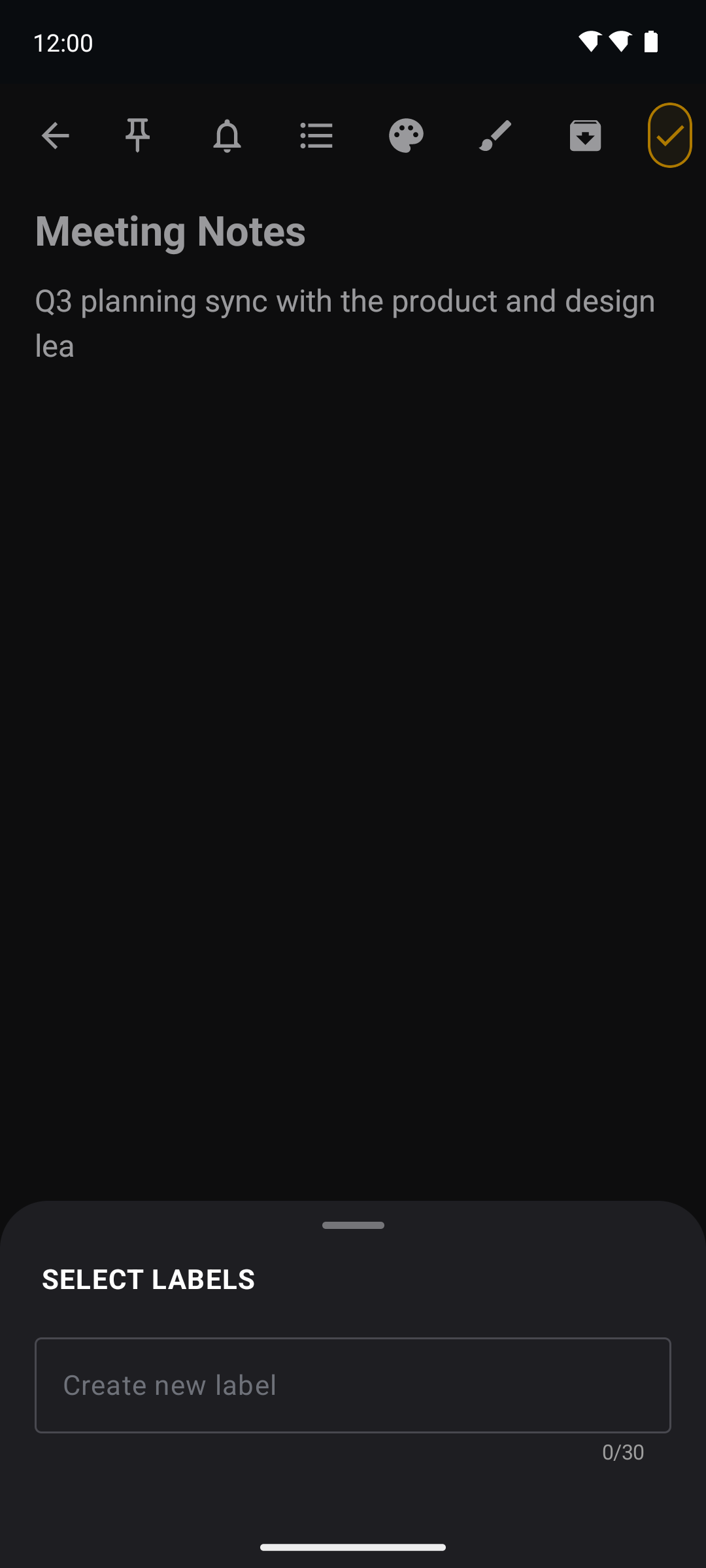
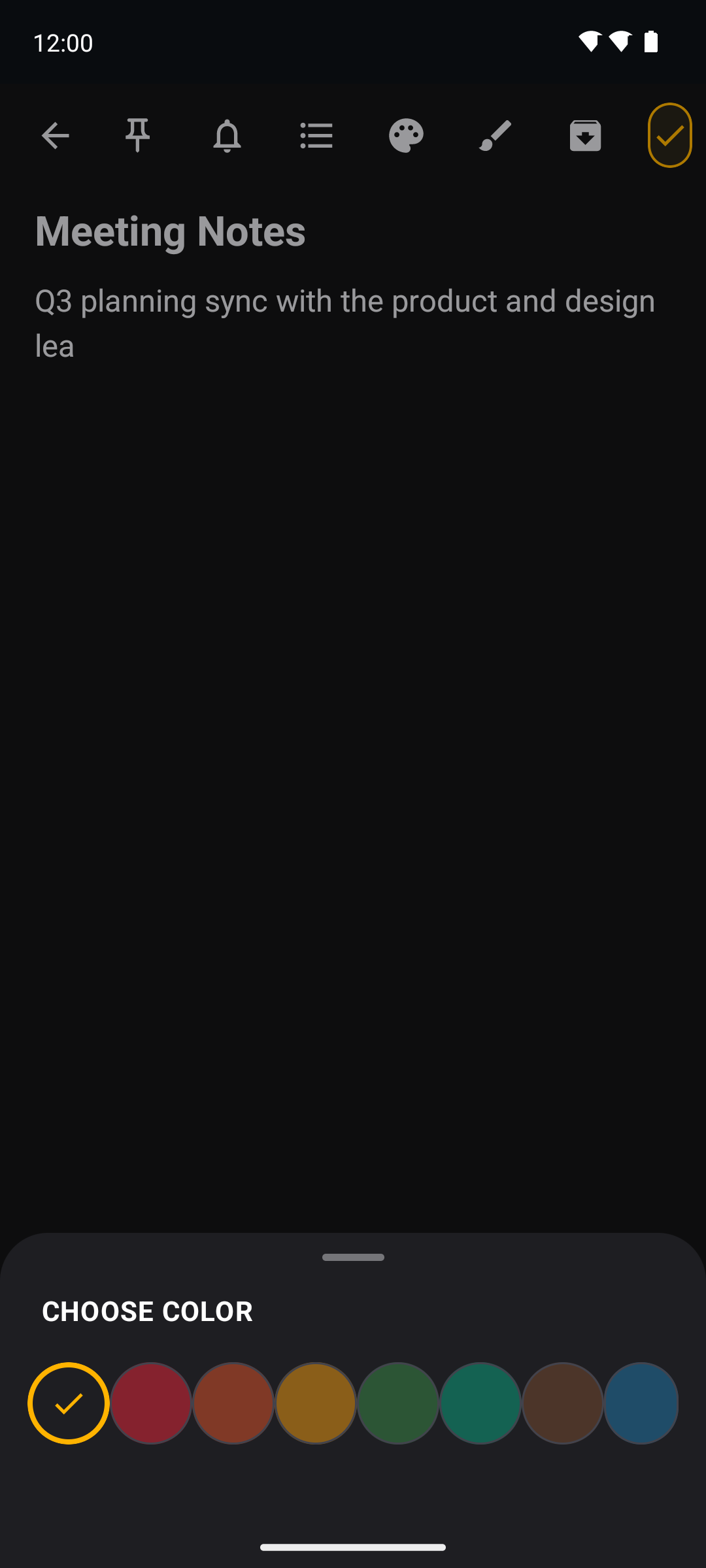
Add, rename and apply labels, colour-code notes, and filter the list by label or colour in a tap.
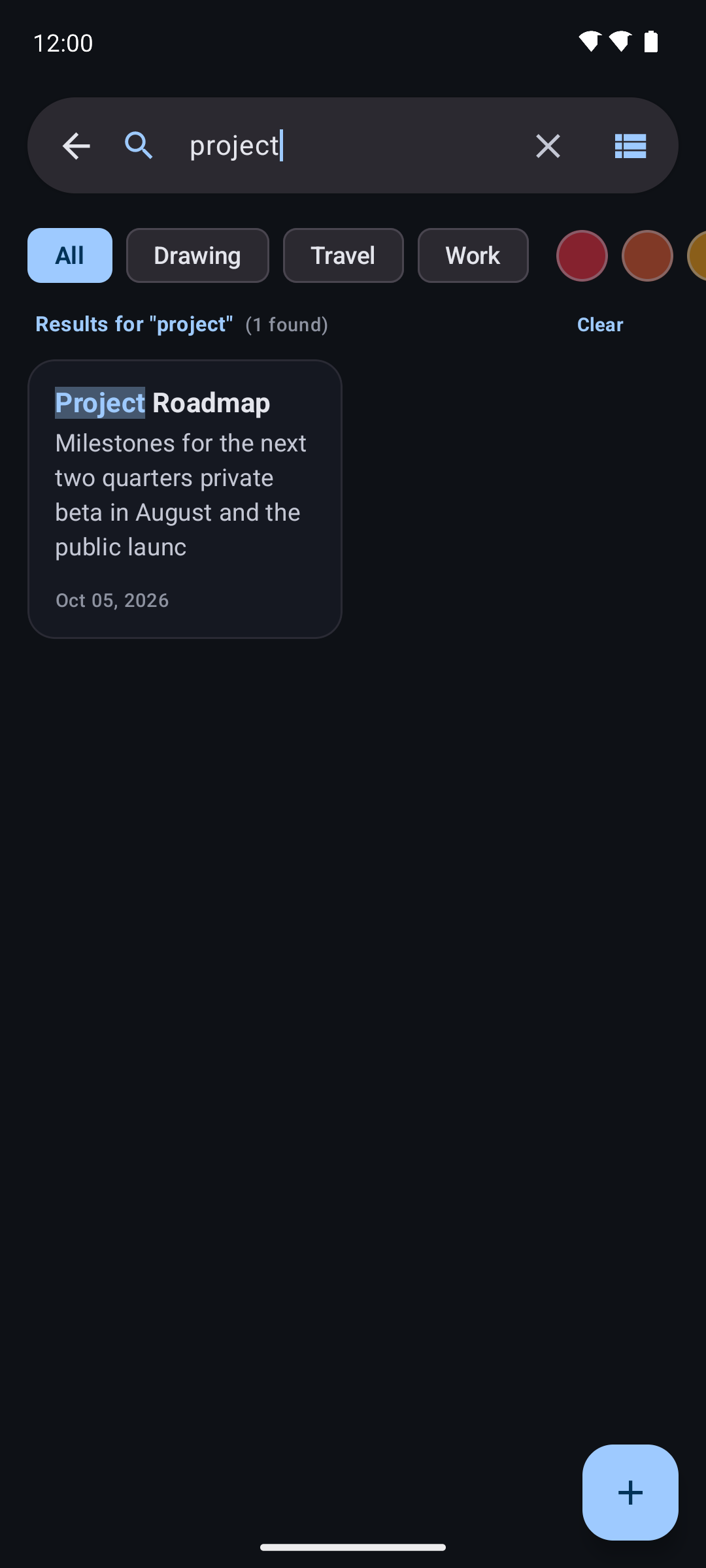
Search titles, body text and tags with colourful match highlighting — fast, offline and always local.
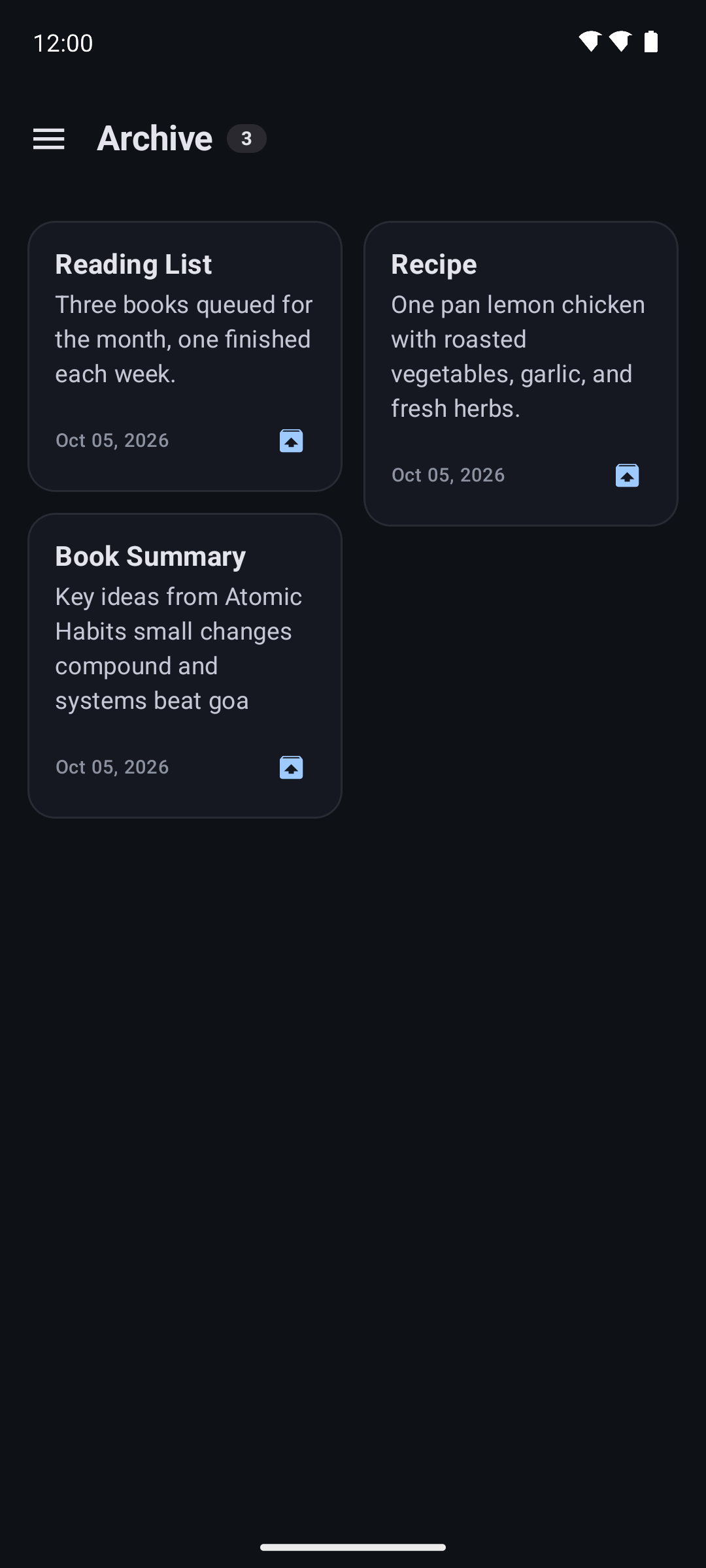
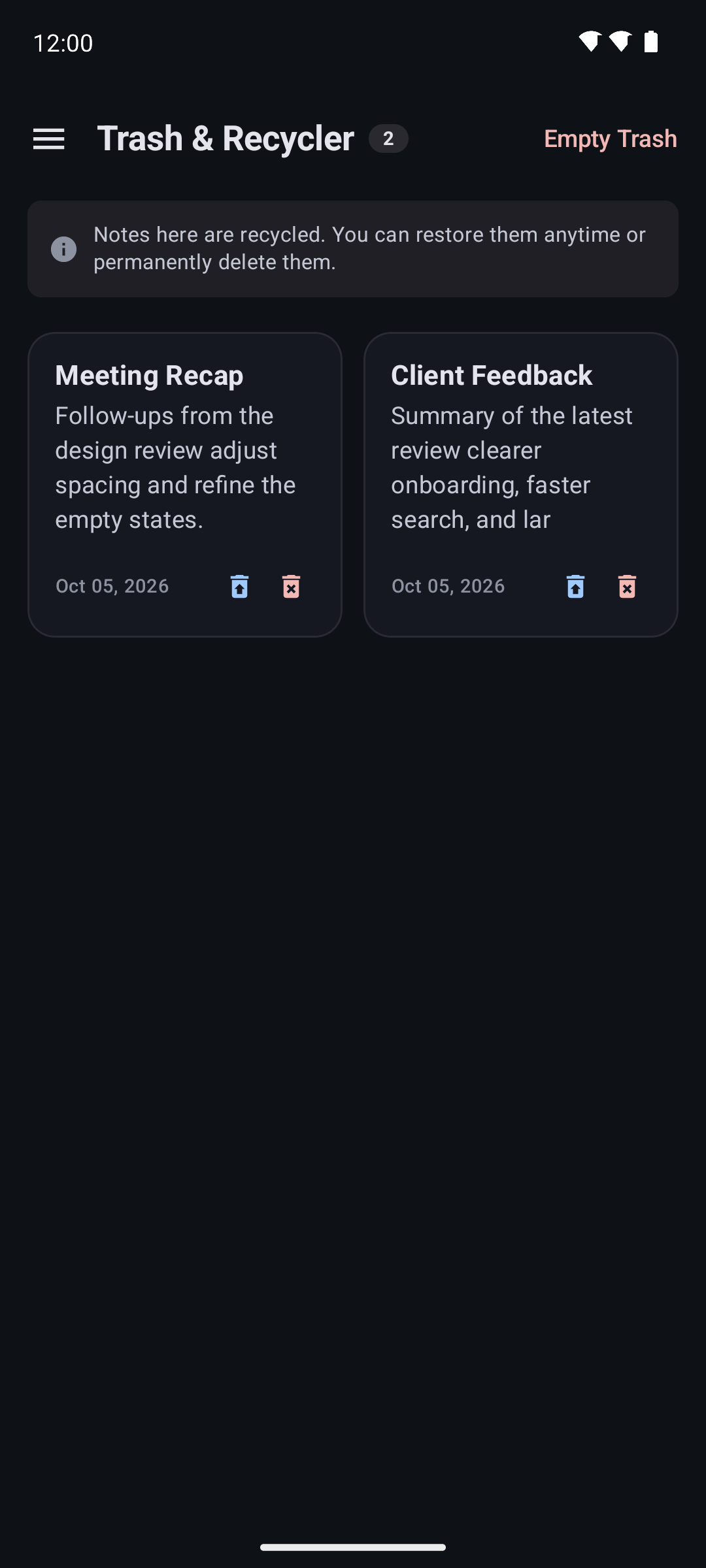
Set notes aside in the Archive, or move them to Trash where they can be restored or deleted — and auto-clear after 30 days.
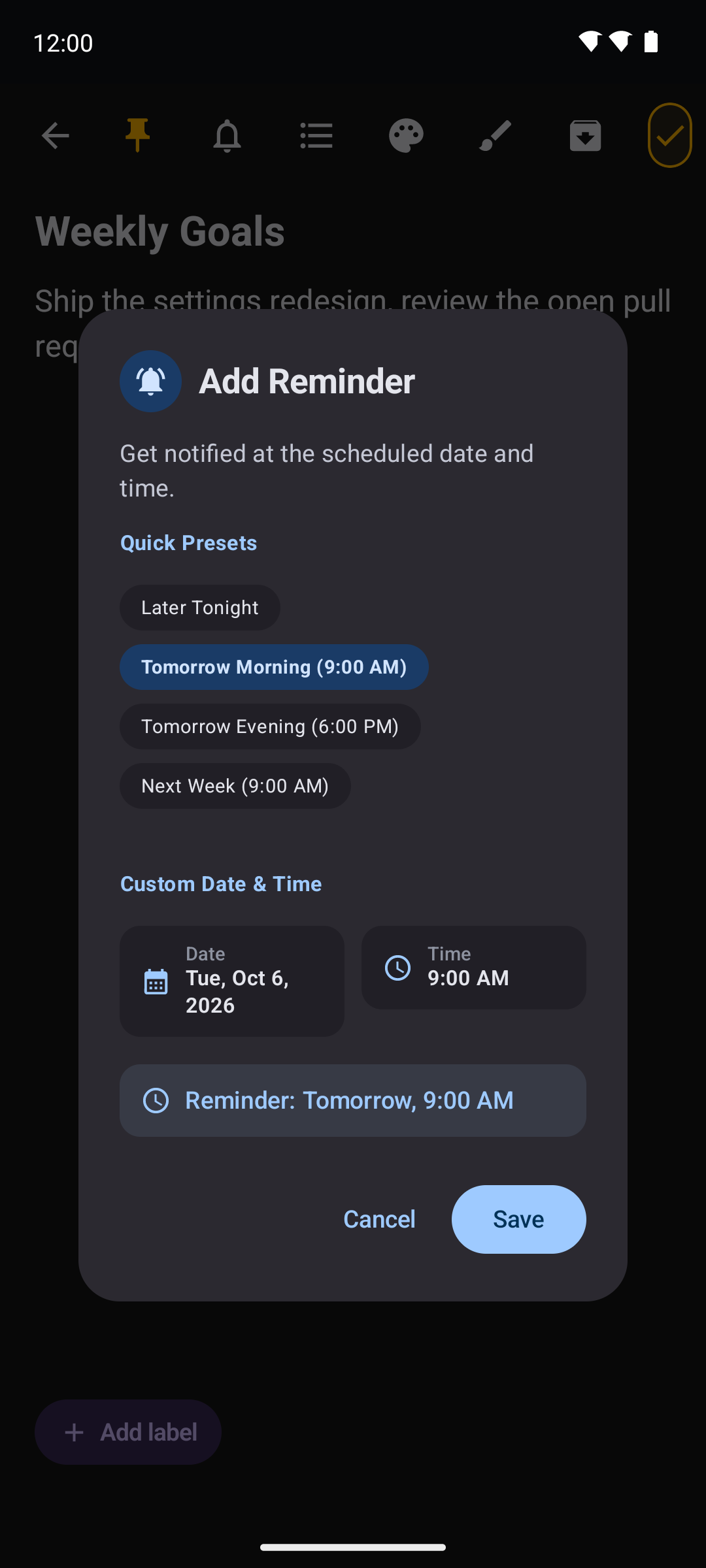
Schedule a per-note reminder and get a local notification at the right time — scheduled and delivered entirely on-device.
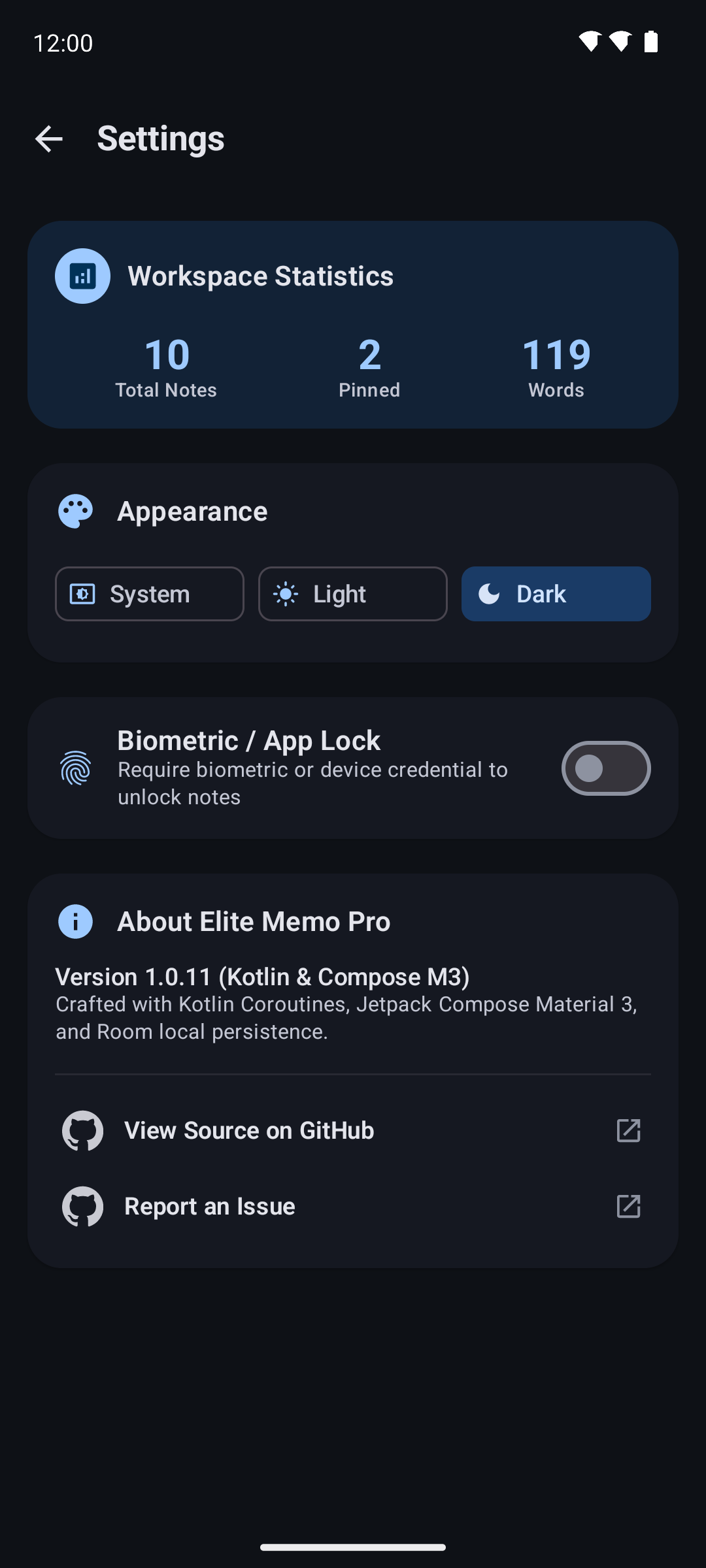
An optional lock using biometrics or your device credential. The app never sees your fingerprint, PIN or password.
Pin a checklist to your home screen and tick items off without opening the app.
Screenshots
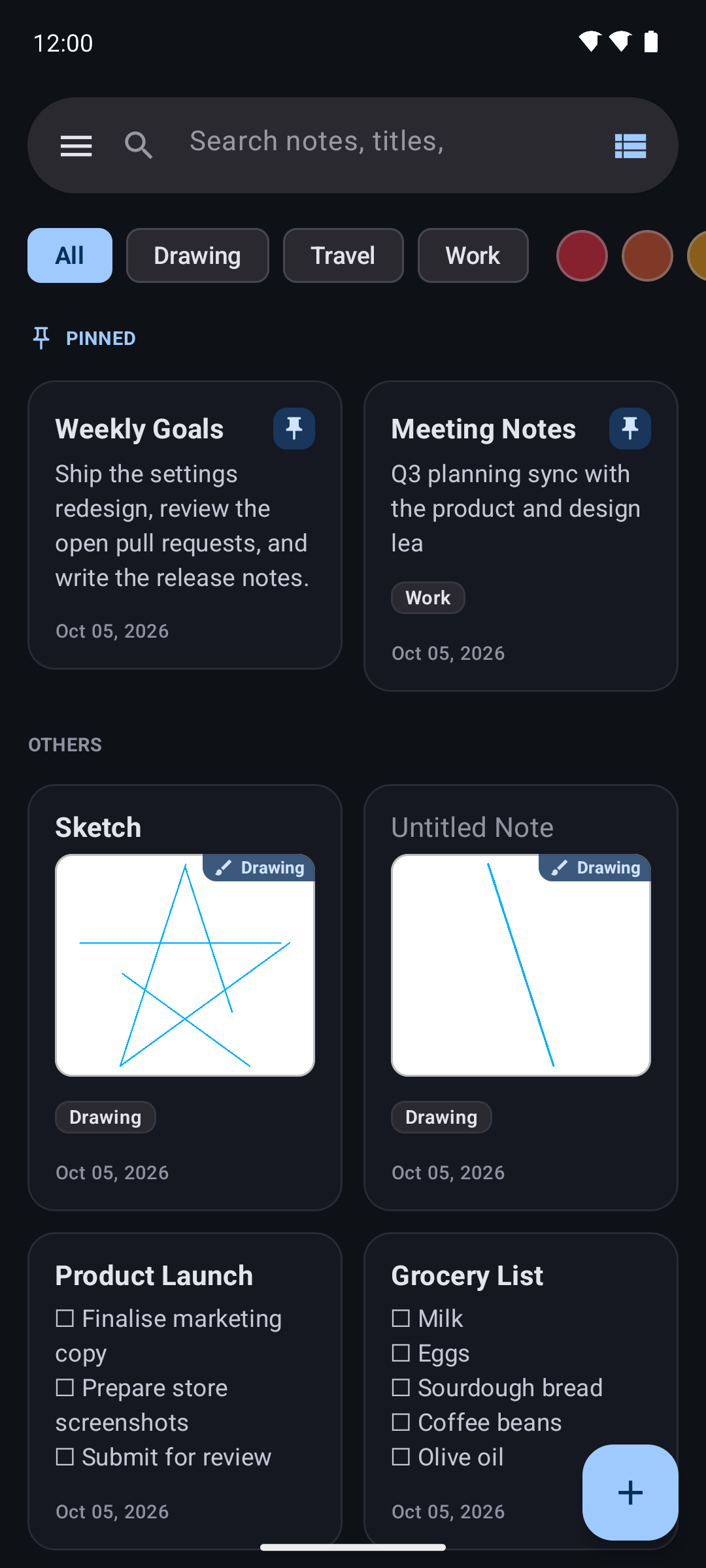
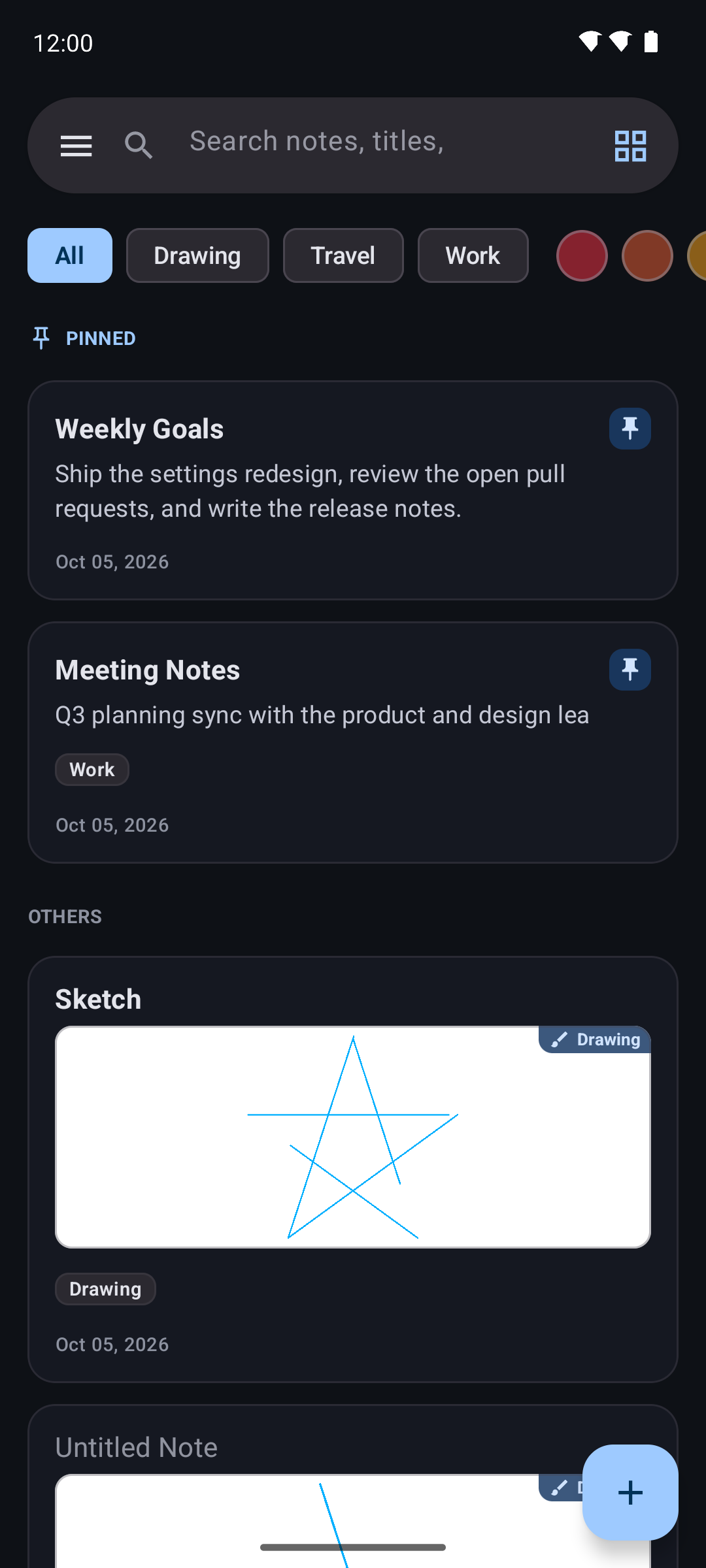
Edge-to-edge, dark-first, and designed to get out of the way. Scroll through the app.
Privacy
Elite Memo Pro is built so that it cannot send your data anywhere. The app does not
request the INTERNET permission, so Android itself prevents it from opening a
network socket.
USE_BIOMETRICPOST_NOTIFICATIONSVIBRATEWRITE_EXTERNAL_STORAGEACCESS_NETWORK_STATENo camera, microphone, location, contacts or phone permissions.
Documentation
Everything you need to run Elite Memo Pro, check it for yourself, or build it from source.
Download the signed APK from the latest release and open it on your device. Elite Memo Pro runs on Android 7.0 (API 24) and newer, and the universal build works on every architecture.
# Grab the universal APK for the newest release
curl -LO https://github.com/deepanjanxyz/notepad/releases/latest/download/EliteMemoPro-v1.0.24-24-universal.apk

# Install it over ADB (or just tap the file on the device)
adb install EliteMemoPro-v1.0.24-24-universal.apk
Because the APK is installed outside an app store, Android will ask you to allow installs from your browser or file manager the first time.
Elite Memo Pro publishes the exact APK the developer signed. F-Droid rebuilds the same commit from source; if the two match byte-for-byte, the developer's own signed APK is shipped, so your signature and update path never change.
Binaries points at the GitHub release asset.AllowedAPKSigningKeys pins the signing certificate (SHA-256).Written in Kotlin with Jetpack Compose, split into focused Gradle modules so the domain layer stays free of Android dependencies.
Reminders are scheduled with WorkManager; notes, labels and settings live in an on-device Room database and Preferences DataStore.
You need JDK 21 and the Android SDK (platform 37). The project builds with the Gradle wrapper.
git clone https://github.com/deepanjanxyz/notepad.git
cd notepad

# Debug build
./gradlew assembleDebug

# Release build (needs your own signing config)
./gradlew assembleReleaseContributions are welcome. Keep the :domain module free of Android dependencies, keep unit tests green, and use Conventional Commits.
feat:, fix:, refactor:, docs:, chore:.Elite Memo Pro is released under the MIT License. You are free to use, study, modify and redistribute it, including commercially, provided the copyright notice is kept.
Copyright © 2026 Deepanjan Biswas.
FAQ
Yes. Elite Memo Pro is free and open source under the MIT License. There are no ads, no in-app purchases and no premium tier.
No. The app does not request the INTERNET permission, so Android blocks it from opening a network connection. There is no account, no server and no sync service.
Android 7.0 (API 24) and newer. The universal APK covers all architectures, and separate per-ABI builds are published for smaller downloads.
Back up and restore all notes to a JSON file in your Downloads folder, with optional automatic backups. Everything stays on your device — there is no cloud copy.
Every release is published on the GitHub releases page. The app is also packaged for F-Droid-compatible repositories, so you can update through a client.
Absolutely — that is the point of an open licence. Clone the repository, open it with JDK 21 and the Android SDK, and run ./gradlew assembleRelease.
Get the app
Free, private, and about 3 MB. Grab the signed APK and start writing in seconds.